Build a workspace that works for you.
Make thoughtful adjustments to your desk, chair, screen, and peripherals. An optimal ergonomic workspace setup starts with practical guidance, then tailors itself to your body, tasks, and space.
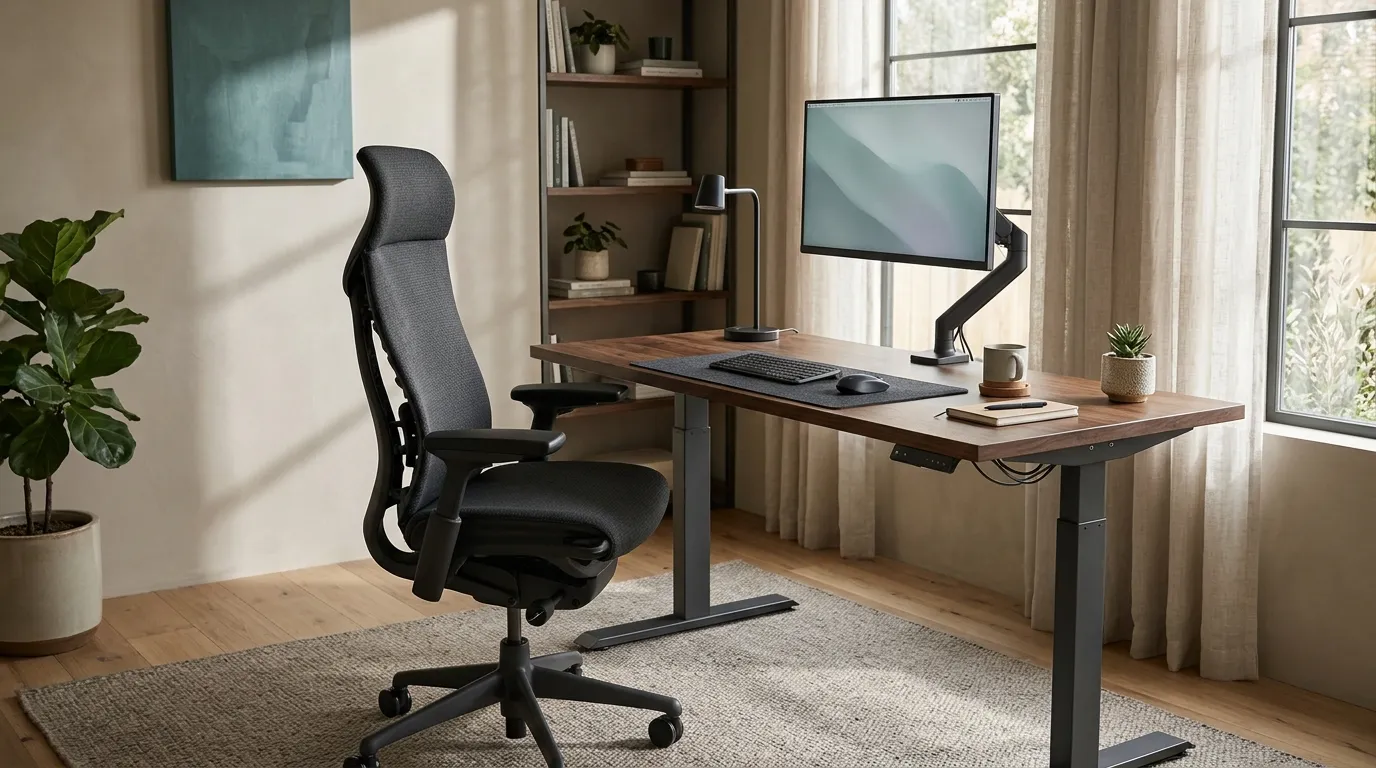
Create a personalized ergonomic workspace starting point
Choose your stature, your main setup concern, and a budget tier. The suggestions are general starting points, not medical advice or verified product tests.
Use these ranges as a starting point. Comfort and fit vary; adjust your setup gradually.
What makes an ergonomic workspace setup successful?
A practical workspace setup lets you sit or stand with relaxed shoulders, supported feet, and your frequently used tools within comfortable reach. Position your screen so you can view it without straining your neck, and adjust the chair, desk, and peripherals to your body and tasks. Take regular movement breaks, and seek qualified advice for persistent pain.
Workspace setup guides
Start with the area you want to improve. These guide links jump to the detailed methodology and hardware comparisons tailored to your setup needs.
Posture & biomechanics
Understand the adjustments that affect how your body meets your workspace.
- Chair fit and lumbar support
- Sit-stand desk selection
- Foot support and movement
Minimalist peripherals
Compare practical input options for your working style and available desk space.
- Compact and quiet keyboards
- Mouse, trackball, and alternatives
- Keyboard and pointing-device placement
Space & visual comfort
Make your screen, lighting, and desk organization work together.
- Monitor height and arm compatibility
- Task lighting and glare reduction
- Simple cable and accessory storage
Selected workspace products
Explore two products that may be relevant to different workspace needs. The information here is based on publicly available product descriptions and manufacturer information—not hands-on testing or personal use by the ErgoZenith team.
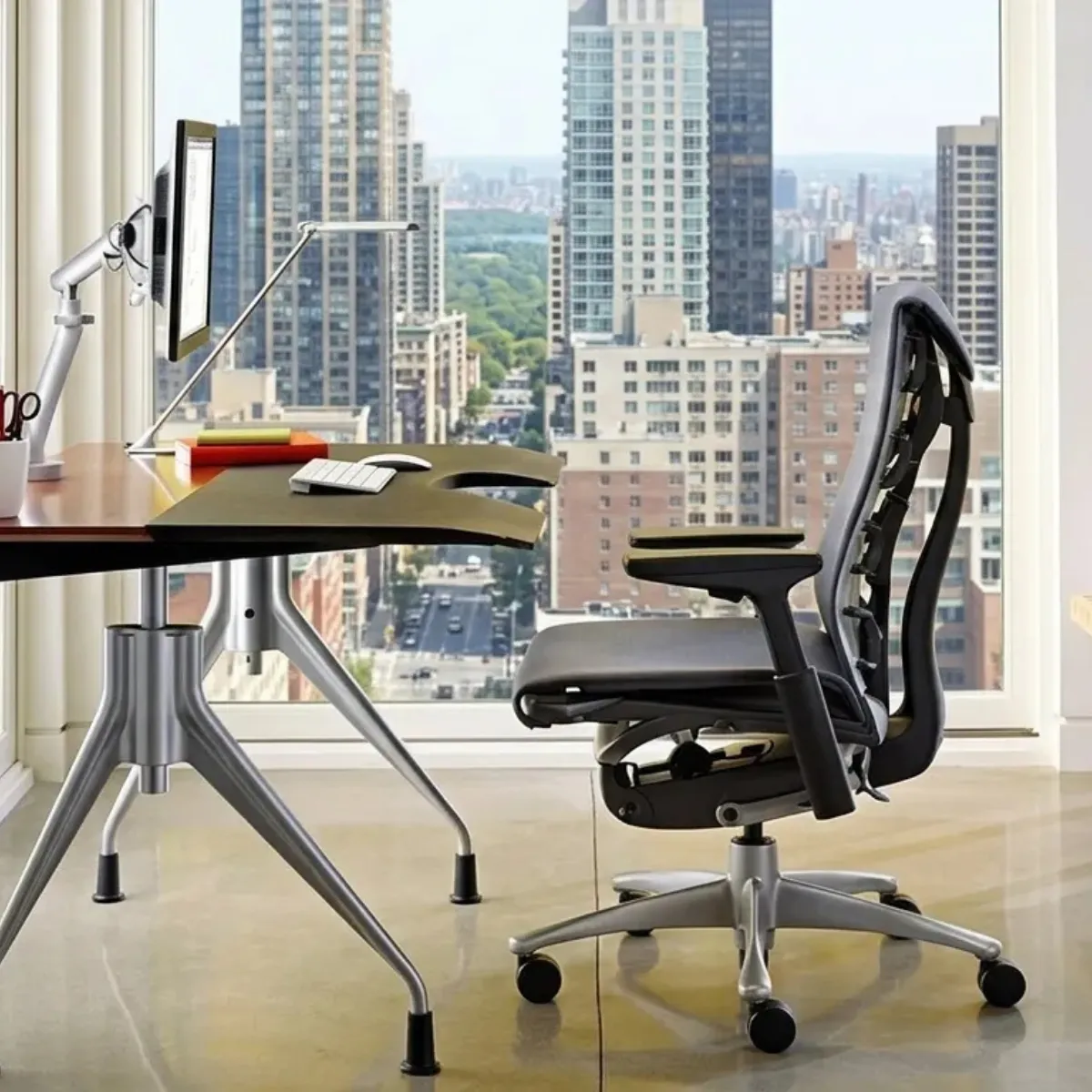
Herman Miller Embody Chair — Charcoal Rhythm
The Embody is a premium office chair designed around a distinctive back-support structure and adjustable seating features. Review the current manufacturer specifications, configuration and regional terms before purchasing.
Editorial basis: publicly available product information. Not physically tested or personally used by our team. Price, stock and delivery terms can change.
View on AmazonAs an Amazon Associate I earn from qualifying purchases.
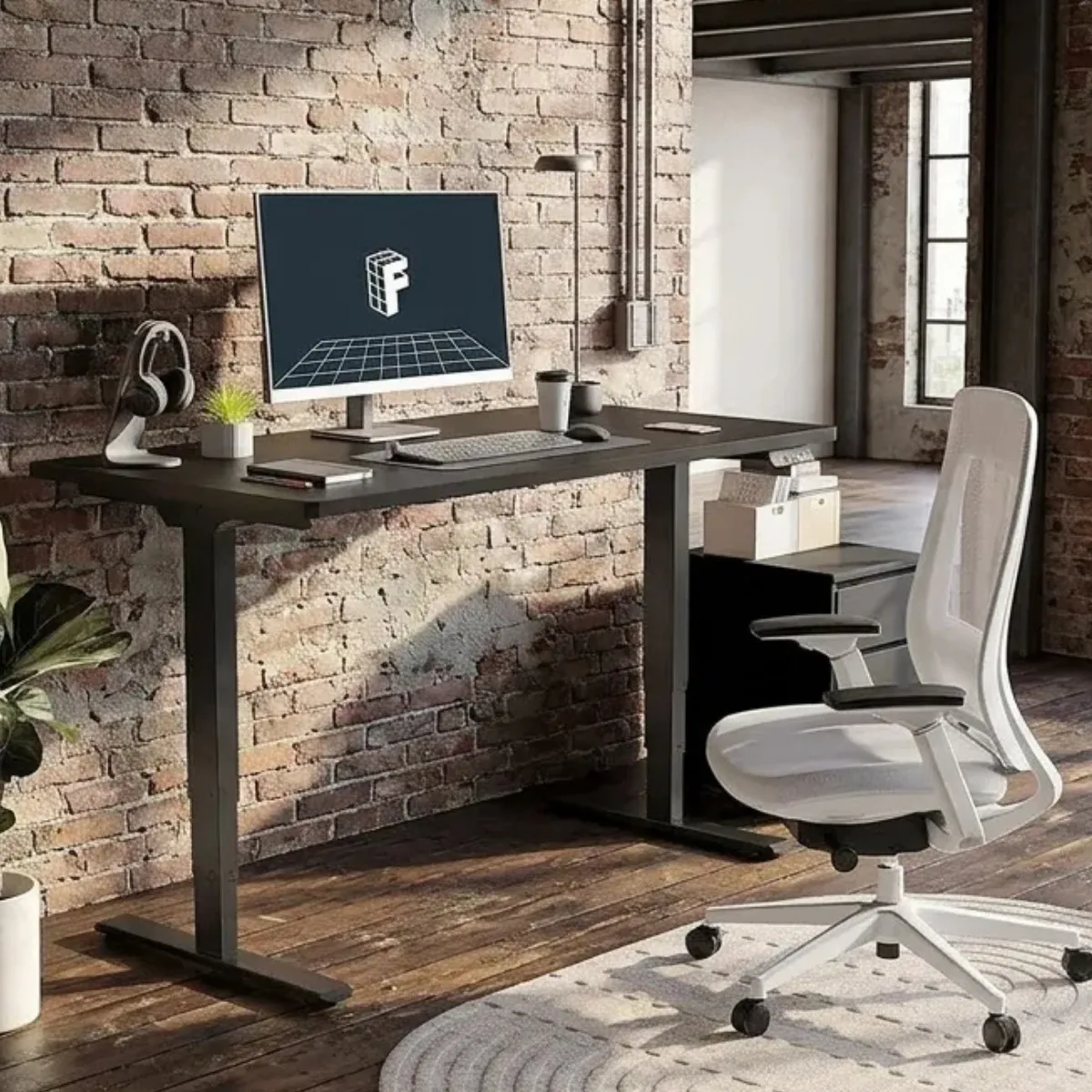
FlexiSpot E6 Dual Motor Standing Desk (55″x28″)
The E6 features a 3-stage dual motor system, memory presets, and a 220 lbs lifting capacity. Check the exact desktop configuration, dimensions, warranty and delivery terms on the current product listing before choosing.
Editorial basis: publicly available product information. Not physically tested or personally used by our team. Price, stock and delivery terms can change.
View on AmazonAs an Amazon Associate I earn from qualifying purchases.
How we present products: ErgoZenith is an editorial team, not a product-testing laboratory. We do not claim to have purchased, used, measured or physically tested these products. Our product information should be checked against current manufacturer documentation and retailer listings. Affiliate commissions do not determine the factual specifications presented.
Product Comparisons
Compare ergonomic products, understand their differences, and find the options that best match your workspace, priorities, and budget.
Herman Miller Aeron vs Steelcase Leap
Explore the differences in adjustability, design, materials, support features, and everyday usability.
- Adjustability and fit
- Materials and design
- Support features and everyday use
Vertical Mouse vs Trackball
Understand how these pointing devices differ in movement, control, desk space requirements, and adjustment.
- Pointer movement and control
- Desk space and placement
- Adjustment and learning considerations
Standing Desk vs Desk Converter
Compare flexibility, workspace requirements, adjustment options, and practical trade-offs.
- Adjustment options
- Workspace footprint and requirements
- Flexibility and practical trade-offs
Clear criteria. Honest limitations.
ErgoZenith Editorial Team prepares educational workspace guides using published research, manufacturer documentation and clearly identified source material. The team does not claim clinical qualifications, professional certification, personal product experience or hands-on product testing. Product information is presented as research- and specification-based guidance, with limitations stated where relevant.
Read our editorial approachFRAMEWORK EXAMPLE · NOT A CLAIM OF COMPLETED TESTS
Common workspace setup questions
Where should I start when adjusting my workspace?
Start with your body and your most frequent tasks. Set the chair and desk so you can relax your shoulders and keep your feet supported, then place your screen and input devices within a comfortable viewing and reaching range. Make one adjustment at a time. Persistent or worsening pain should be discussed with a qualified healthcare professional.
Does a sit-stand desk solve discomfort on its own?
No single desk or accessory suits everyone. A height-adjustable desk can offer another working position, but the overall setup, task variation, movement, and individual comfort matter too. Alternate positions in a way that feels manageable, and do not treat furniture as a substitute for professional care when symptoms persist.
How can I choose between a vertical mouse and a trackball?
Consider your grip, pointer tasks, available space, and comfort. If possible, try each option before buying and keep the device close enough that your shoulder can stay relaxed. A gradual transition can help you assess control and comfort. Stop using any device that causes discomfort and seek appropriate advice if symptoms continue.